“Where did we write that down?”
Every family list, in the same app as the calendar.
To-dos, packing lists, grocery lists, meal plans and chores, shared with the family or kept to yourself. Tasks due today show up right next to today's events.
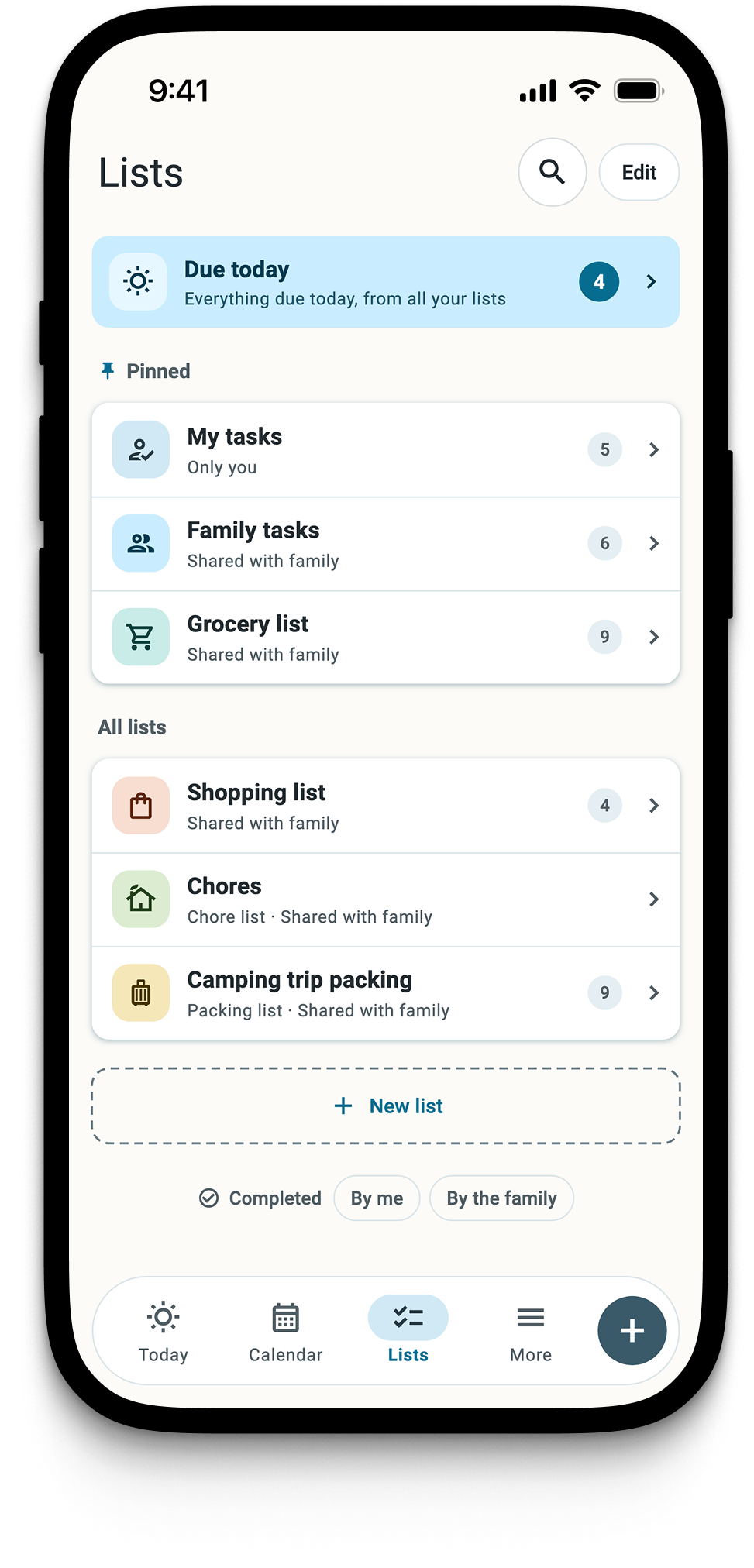
Here's how it works.
-
1
Make a list
A to-do list, a packing list for the tournament, a grocery list, a meal plan or a chore chart.
-
2
Share it, or don't
Share it with the family or keep it private. Shared items show who added them.
-
3
Get it done
Tasks due today show up on Today next to your events. Check them off and move on.
What you get
Shared and private lists
Share a list with the family or keep it just for you.
Repeating tasks
Finish a repeating task and Famzil sets up the next one.
Due dates in one tap
Give a task a due date and it shows up on Today when it's due.
Drag, drop, swipe
Press and hold to reorder tasks or move them to another section. Swipe to delete or move.
Search
Search across all your lists and tasks.
Archive, don't delete
Done with the camp packing list? Archive it and bring it back next summer.
Related features
Get your family on the same page.
Famzil runs on iPhone, iPad, Android and the web.