Grocery list
“Did anyone get milk?”
One grocery list the whole family adds to.
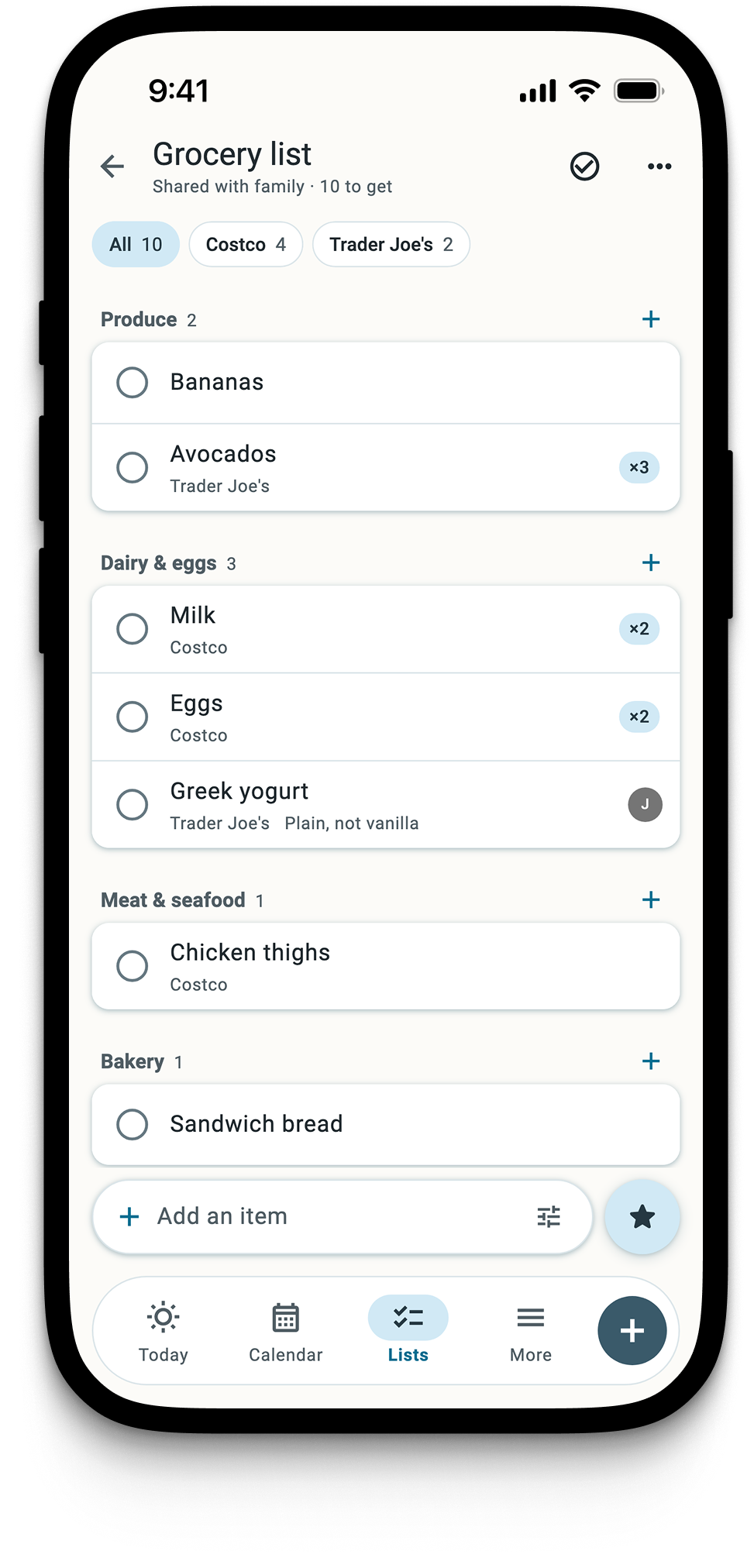
Everyone adds to the same list, it's sorted by aisle, and you can filter it to the store you're standing in.
How it works
Here's how it works.
-
1
Add what you need
Anyone in the family can add to the list, and you'll see who added what.
-
2
Shop by aisle
Items are grouped by aisle, and you can filter to just one store.
-
3
Re-add the usuals
The Favorites view keeps the things you buy every week a tap away.
The details
What you get
Grouped by aisle
Produce together, dairy together. No more doubling back.
Store filter
Shopping at two stores? Filter the list to the one you're in.
Favorites
A view of the things you buy often, ready to add again.
Know when it changes
Get notified when someone adds an item to a grocery list.
Big on the tablet
On a tablet, the aisles show side by side.
Works well with
See how it all fits together
Related features
Meal planning
Plan the week's dinners Monday to Sunday, with your favorite meals saved.
Learn more
Lists
Shared and private to-do lists, packing lists and more, tied to the family calendar.
Learn more
Notifications and activity
When something changes, the family hears about it, and sees who changed it.
Learn more
Get your family on the same page.
Famzil runs on iPhone, iPad, Android and the web.